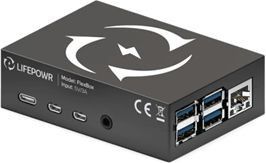
Connection to FlexiObox
Depending on the situation, your can connect the FlexiObox to the P1 meter
-
via a cable
-
or wirelessly via the Homewizard Wi-Fi dongle.
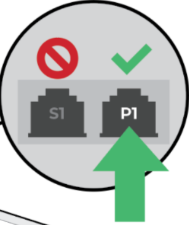
Some digital meters are equipped with 2 ports: P1 and S1. Make sure the correct port is connected.
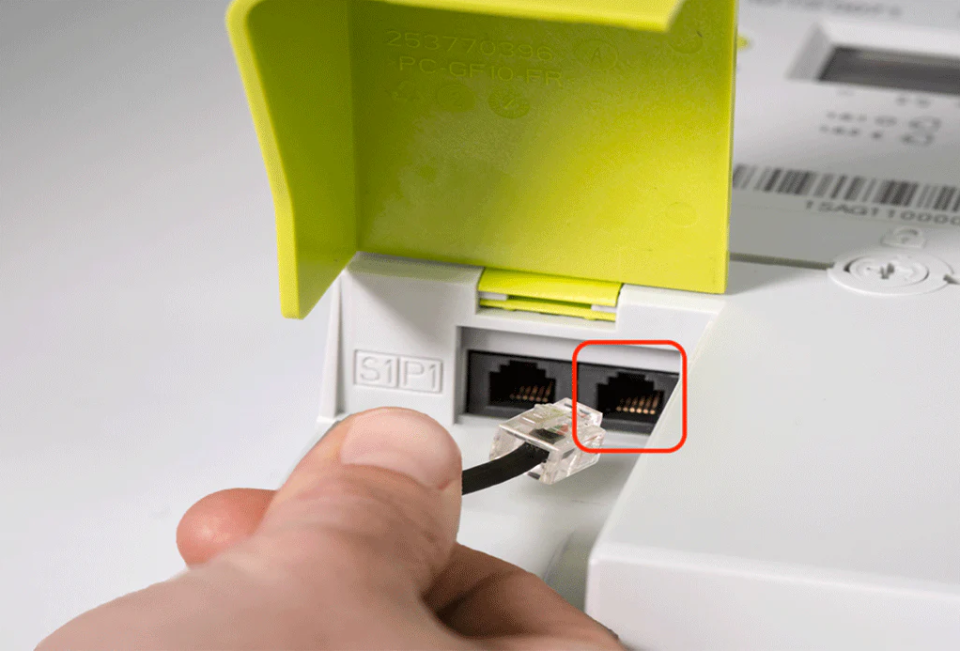
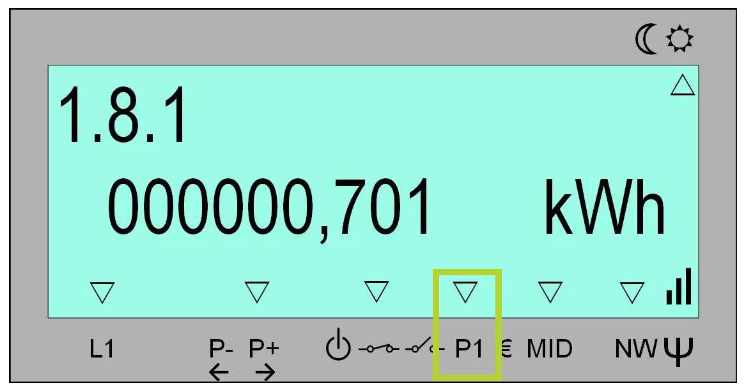
When using a Homewizard P1 dongle, make sure the device has power. If this is not the case, it’s possible the P1-port is not open. You can check this on the display of the digital meter.
When a HomeWizard Wi-Fi dongle is installed, a LED light should illuminate on the dongle.
-
No LED:
-
The dongle may be broken (confirm with a separate power supply).
-
The P1 port may not be open.
-
The dongle might be connected to the wrong port or not securely inserted.
-
The P1 port may be broken.
-
-
Green LED:
-
The dongle and P1 port are likely functioning correctly. Check if you receive data in your HomeWizard Energy app.
-
If data appears in the HomeWizard Energy app but not in FlexiO, your dongle is likely not on the same network as FlexiO.
-
-
Other color:
-
Refer to the troubleshooting section on the homewizard website.
-
It’s important the Homewizard P1 dongle is connected to the same network as the FlexiObox.
This means it has to be connected to the wifi-network of the modem. The same modem where the FlexiObox is connected to by cable.