
P1 Port Activation
The P1 port is not enabled by default, and you will need to configure or request this yourself.
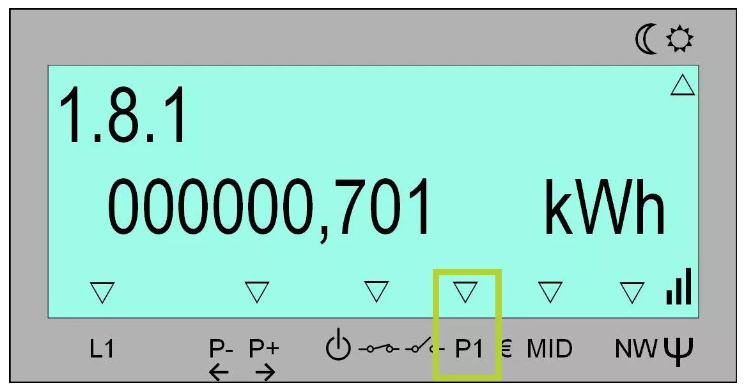
You can always check if the port is open via the display of your digital meter. If a triangle appears above the P1 (or GP if you have two user ports) label, the port is open. If there is no triangle, the port has not yet been activated.
It takes 2 steps to open the P1-port:
-
the request towards Fluvius/ores that needs to be accepted
-
Actualy opening the P1-port on the website.
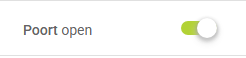
When these 2 steps are finished, you can see the triangle above the P1 on your digital meter.
How to request opening the P1-port
Vlaanderen:
-
Fluvius: open the p1-port on mijn.fluvius.be/poortbeheer
https://mijn.fluvius.be/poortbeheer/
On this website you can start a new request to open the P1-port of your electricity meter. The EAN will be filled in automatically or you’ll need to enter it once.
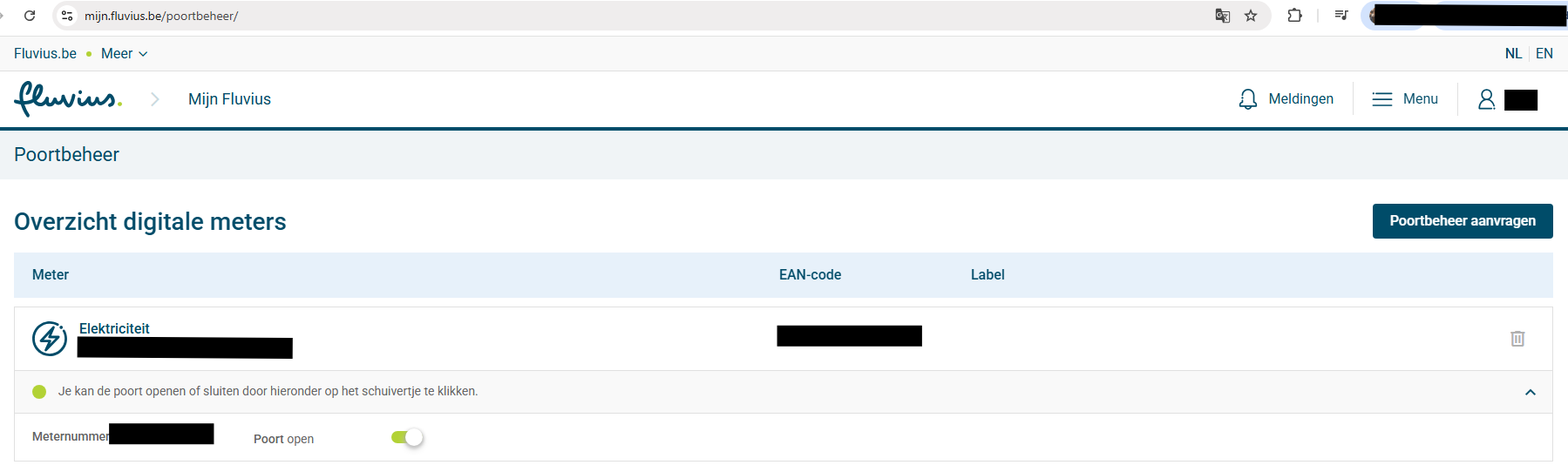
Make sure the EAN is not from your GAS-meter. Your EAN can be found on the digital meter itself or on you energy bill from your energy supplier
Wallonië:
-
Ores: call 078 15 78 01 or go to https://www.ores.be/particulier/port-client
https://www.ores.be/particulier/port-client