
Intro
Mind: the FlexiObox has LED's on 2 sides: back/bottom and top/front (on the QR label side).
This section covers the front LED's.
LED's blinking on the back side (Ethernet port - constant on or blinking as expected behavior) mostly do not bring much value for these diagnostics.
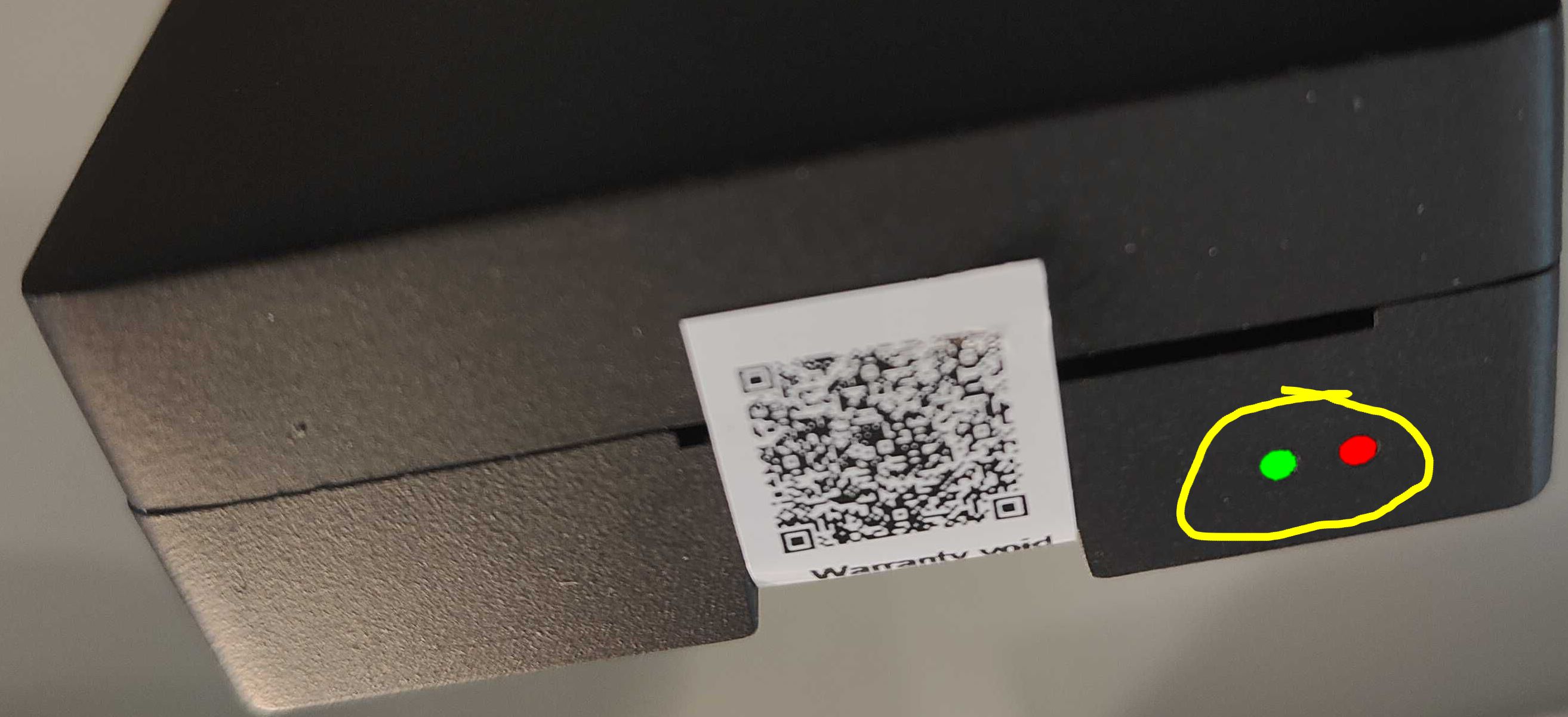
Depending of the device’s state, front LED's might behave differently.
All different LED behaviors are covered on this page.
🟢 ⚫ Green LED continuously on (the good story)
Green LED continuously on and red LED off: the FlexiObox power and basic (hardware/software) functionality is in optimal condition.
However, during the startup (boot-) process, both LED’s might randomly go on/off as shown below, ending after approx. 1 minute in a continuously green LED:
⚫ ⚫ No LED activity
Front LED's are continuously off
If both back/bottom Ethernet connection plug (green and orange) and top/front LED’s (green and red) are continuously off, further investigation is required:
Power supply issue
-
Check if the 230V power outlet is ok where the power supply is plugged in
→ if not, restore power -
Check if the power supply is ok: replace temporary with other USB-C adapter or phone charger to test if the FlexiObox is returning in continuously green LED modus
→ if so, replace the defective power supply and follow warranty instructions if applicable
FlexiObox issue
-
In very rare circumstances, the FlexiObox might be damaged/dead.
In that case check if no physical visual damage can be detected, certainly check the backside screw holes for unwanted scratching (damage of inner electronics of FlexiObox)
→ replace the FlexiObox-
For a newly installed FlexiObox: replace with a new device and follow warranty instructions if applicable
-
For an existing FlexiObox: replace by using the specific replacement procedure, this will keep usage history and copy all configuration settings + follow warranty instructions if applicable
-
⚫ 🔴 Slow fading red LED “heartbeat”
Power supply issue
-
Check if the power supply is ok: replace temporary with other USB-C adapter or phone charger to test
→ if not, replace the defective power supply and follow warranty instructions if applicable
⚫ 🔴 Other error-indicating combinations
Continuously red LED
If the red LED is continuously on, reboot the FlexiObox, if not done so.
If this situation remains: replace the FlexiObox and follow warranty instructions if applicable.
Red LED blinking “heartbeat”
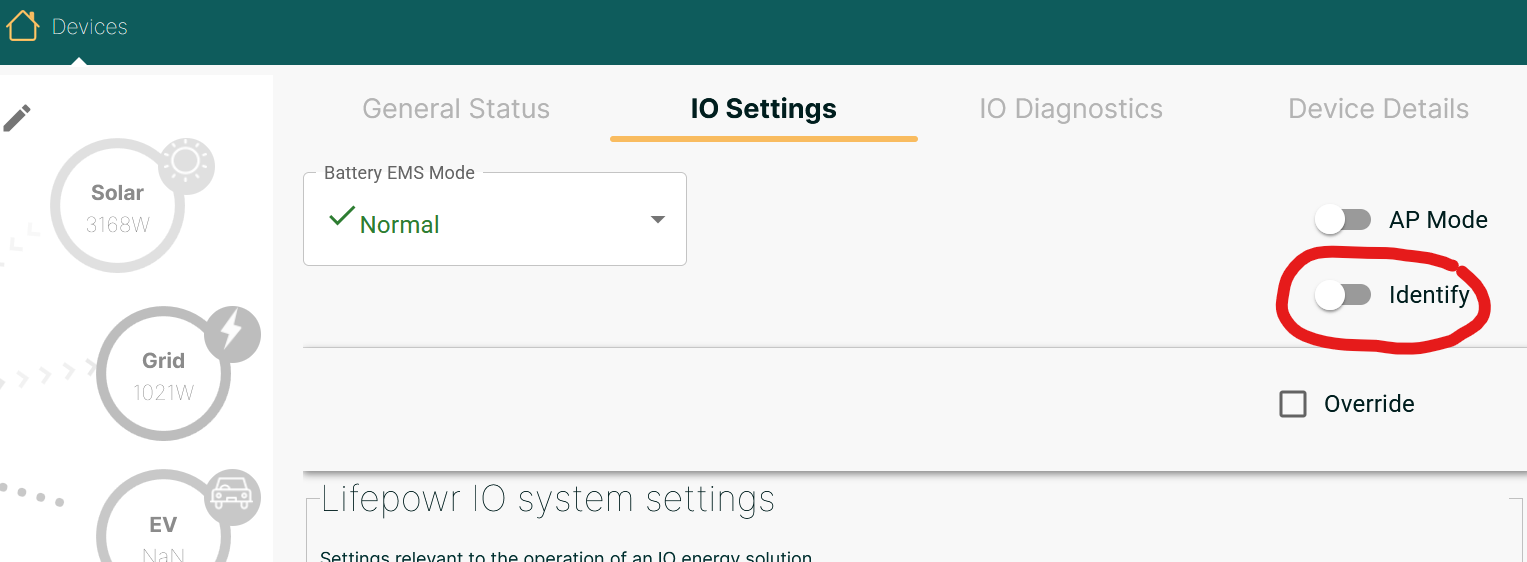
This forced pattern is only possible by installer interaction via the IO Settings page, when activating the “Identify” button. Use this feature in case you have more than 1 FlexiObox connected to your network and you want to make sure which FlexiObox you are connected to.
What if …
… my FlexiObox has a continuously green LED but error(s) are in place such as:
-
Error displayed on the IO Diagnostics page
-
FlexiObox seems to be offline
Follow the instructions as indicated on the diagnostics page (installer portal) or the system health page (scan the QR code on the FlexiObox).